



Field progress and the schedule, compared.
Schedule updates built from verified field progress. We set the data date, status every activity, correct the logic and report what moved, why it moved and what the next look-ahead holds.
Updates that only move bars.
Percent complete by phone call
Progress taken from a quick conversation instead of the field. The schedule drifts away from reality one update at a time.
Out-of-sequence work left alone
Activities started before their predecessors finished and never corrected. Slowly the logic stops meaning anything.
Reports with no story
Fifty pages of Gantt charts and not one sentence that says what changed and why.
How we run an update.
- 01
Verify, then status
Progress confirmed on site or with the lead for each area before a single activity is statused.
- 02
One clean data date
Actual starts, actual finishes and remaining durations set against the data date, with no progress left beyond it.
- 03
Correct logic as you go
Out-of-sequence progress, open ends and added work handled each period, with every edit recorded in a change log.
- 04
Variance against the baseline
Start, finish and float variance measured against the approved baseline, not just against last month.
- 05
Look-aheads the field uses
Three-week or six-week look-aheads pulled from the same file, so the field plan and the master schedule agree.
What you walk away with.
Scoped to your project. Native files and plain-English outputs that stay yours when we leave.
The updated P6 file for the period, with a log of every logic and duration edit made.
What moved, why, what drives each milestone and what needs a decision, written for people who will not open P6.
A short-interval plan by area or trade for the coming weeks, printed for the trailer wall.
Milestone and activity variance against the approved baseline, sorted by consequence.
Planned against actual progress over time, so the trend is visible before the dates move.
When to call us.
The earlier we see the schedule, the more options you keep.
Updates feel like paperwork
The update is submitted on time, and nobody uses it to run the job.
Billing and schedule disagree
Billed progress and scheduled progress tell two different stories.
The specification outgrew your staff
The contract requires periodic updates and narratives, and your team is already stretched.
You want an owner-side check
The contractor updates the schedule. You want someone verifying what it claims.
Where this work has run.
Every project is confidential. Names describe the work, not the client.
 Commercial & Mixed-Use · IllustrativeOffice Tower Interior Fit-Out ProgramTwenty-two floors of tenant fit-out with hard lease start dates. Each floor had its own path, and each was handed over on time.
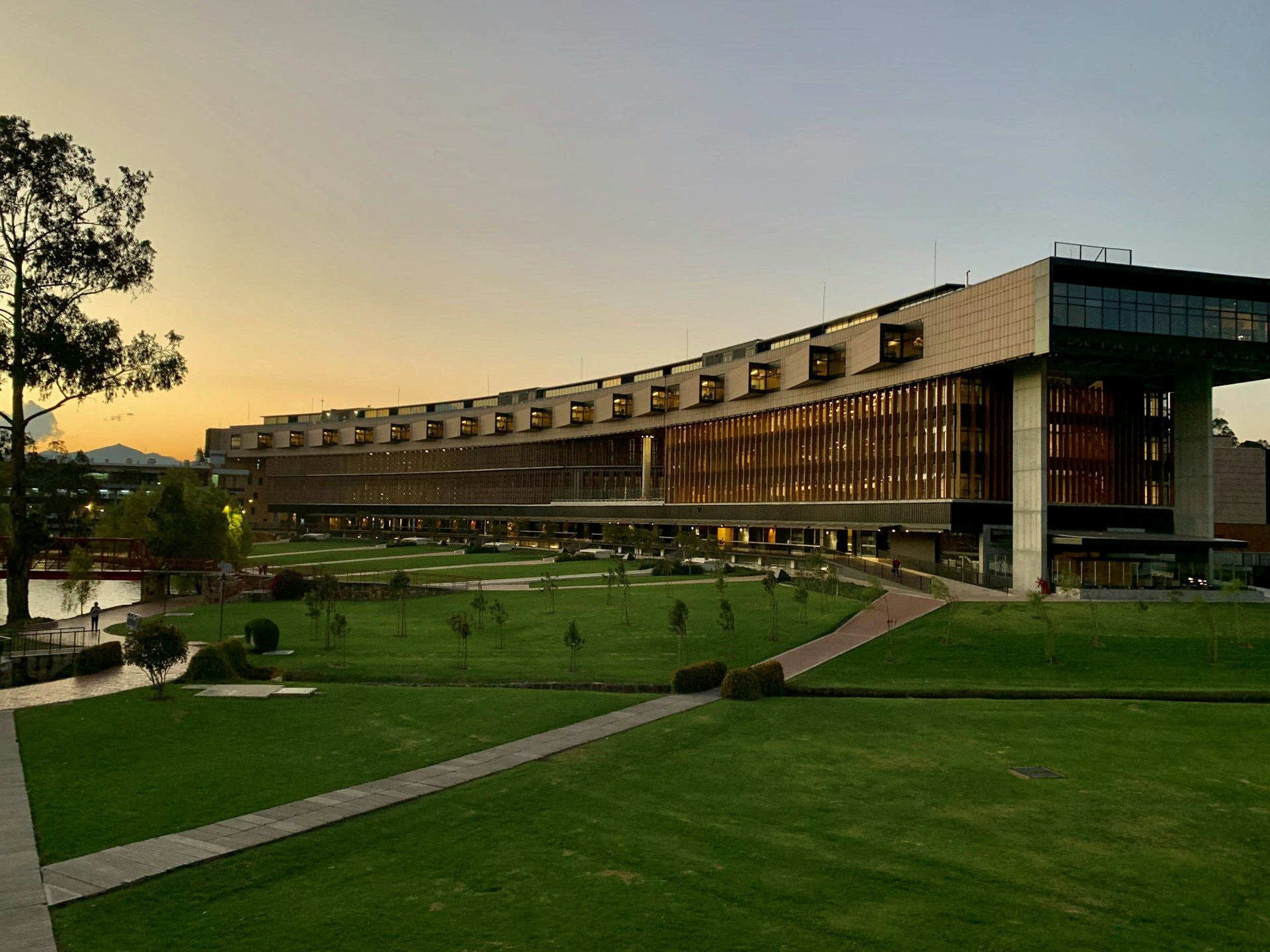 Education · IllustrativeUniversity Science Building Schedule ReviewA teaching lab building had to open for a fall semester. Monthly update reviews caught a slipping lab casework path early enough to fix.
 Water & Wastewater · IllustrativeBiosolids Digester Upgrade RecoverySeven months behind with a regulatory deadline in view. A recovery schedule built from the remaining work brought the first digester back online on time.
Straight answers to fair questions.
Weekly or monthly?
Monthly suits most contracts. Weekly suits fast jobs and shutdowns. We match the cadence to how fast the work changes.
Do you visit the site?
When progress needs verifying in person, yes. Otherwise we work with your field leads and confirm with photos and quantities.
Will you update the contractor’s schedule or review it?
Either. Which one fits depends on the contract and on who owns the schedule.
What exactly is a data date?
The point in time an update reflects. Everything before it is actual. Everything after it is forecast.
Related services.

Send the schedule. Act while you have options.
Share the project, the latest XER and the date you are protecting. We will tell you plainly what the schedule is telling you.